The Problem
Kubernetes has a built-in Horizontal Pod Autoscaler (HPA), but it only scales based on CPU and memory. That works fine for web servers handling HTTP traffic. It does not work for workloads that process messages from a queue, respond to events from a stream, or run periodic batch jobs.
If you have a worker deployment pulling messages from Amazon SQS, the HPA has no idea how many messages are waiting. Your pods sit idle or get overwhelmed - there is no middle ground.
KEDA (Kubernetes Event-Driven Autoscaling) solves this. It extends the HPA to scale based on external event sources: SQS queue depth, Kafka lag, Prometheus metrics, cron schedules, and 60+ other triggers.
What We Are Building
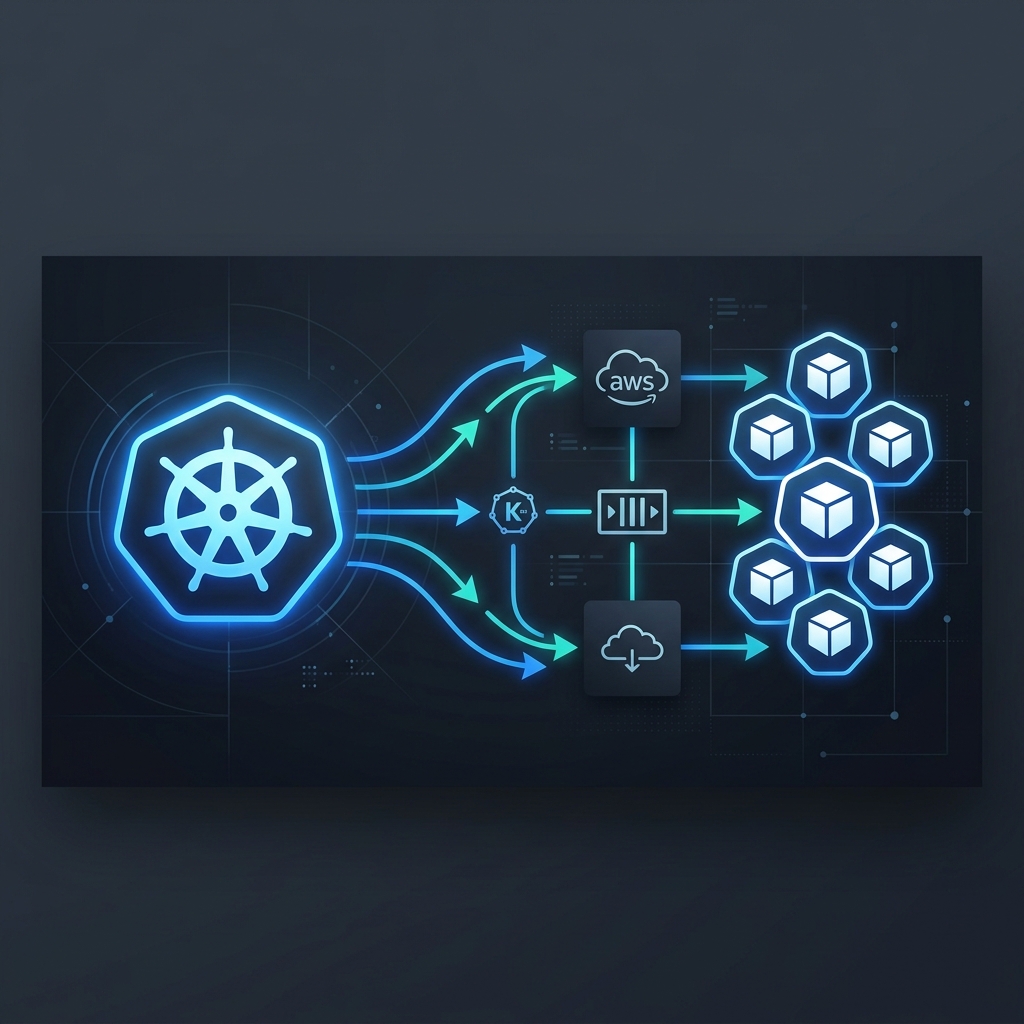
In this post, we will set up KEDA on an EKS cluster and configure it to autoscale a worker deployment based on the number of messages in an SQS queue. When messages pile up, KEDA spins up more pods. When the queue is empty, it scales down to zero.
The stack:
- Amazon EKS - Kubernetes cluster
- KEDA 2.x - Event-driven autoscaler
- Amazon SQS - Message queue trigger
- IRSA - IAM Roles for Service Accounts (no hardcoded credentials)
Step 1: Install KEDA on EKS
The cleanest way to install KEDA is via Helm:
helm repo add kedacore https://kedacore.github.io/charts
helm repo update

helm install keda kedacore/keda \
  --namespace keda \
  --create-namespace \
  --version 2.16.0
Verify the installation:
kubectl get pods -n keda

# Expected output:
# NAME                                      READY   STATUS
# keda-operator-7f4d8b6c5d-xxxxx            1/1     Running
# keda-metrics-apiserver-6c9b7d8f4-xxxxx    1/1     Running
KEDA installs two components: the operator (watches your ScaledObject resources) and the metrics API server (feeds custom metrics to the HPA).
Step 2: Create the SQS Queue
If you do not already have a queue, create one:
aws sqs create-queue \
  --queue-name order-processing \
  --region ap-southeast-2
Note the queue URL - you will need it in the KEDA trigger config:
https://sqs.ap-southeast-2.amazonaws.com/123456789012/order-processing
Step 3: Set Up IAM Role for Service Account (IRSA)
KEDA needs permission to read the SQS queue depth. On EKS, the correct way to do this is IRSA - no access keys, no secrets, just a Kubernetes service account mapped to an IAM role.
Create the IAM policy:
{
  "Version": "2012-10-17",
  "Statement": [
    {
      "Effect": "Allow",
      "Action": [
        "sqs:GetQueueAttributes",
        "sqs:GetQueueUrl"
      ],
      "Resource": "arn:aws:sqs:ap-southeast-2:123456789012:order-processing"
    }
  ]
}
Create the role and associate it with a service account:
eksctl create iamserviceaccount \
  --name keda-sqs-sa \
  --namespace default \
  --cluster my-cluster \
  --attach-policy-arn arn:aws:iam::123456789012:policy/KedaSQSReadPolicy \
  --approve
Step 4: Deploy the Worker Application
Here is a simple worker deployment that processes SQS messages:
# worker-deployment.yaml
apiVersion: apps/v1
kind: Deployment
metadata:
  name: order-worker
  namespace: default
spec:
  replicas: 0  # KEDA manages the replica count
  selector:
    matchLabels:
      app: order-worker
  template:
    metadata:
      labels:
        app: order-worker
    spec:
      serviceAccountName: keda-sqs-sa
      containers:
        - name: worker
          image: myregistry/order-worker:latest
          env:
            - name: SQS_QUEUE_URL
              value: "https://sqs.ap-southeast-2.amazonaws.com/123456789012/order-processing"
            - name: AWS_REGION
              value: "ap-southeast-2"
          resources:
            requests:
              cpu: 100m
              memory: 128Mi
            limits:
              cpu: 500m
              memory: 256Mi
Notice replicas: 0. KEDA will handle scaling from zero when messages arrive.
kubectl apply -f worker-deployment.yaml
Step 5: Create the KEDA ScaledObject
This is the core piece. The ScaledObject tells KEDA what to scale and what trigger to use:
# keda-scaledobject.yaml
apiVersion: keda.sh/v1alpha1
kind: ScaledObject
metadata:
  name: order-worker-scaler
  namespace: default
spec:
  scaleTargetRef:
    name: order-worker
  pollingInterval: 15          # Check SQS every 15 seconds
  cooldownPeriod: 60           # Wait 60s before scaling down
  minReplicaCount: 0           # Scale to zero when idle
  maxReplicaCount: 20          # Cap at 20 pods
  triggers:
    - type: aws-sqs-queue
      metadata:
        queueURL: "https://sqs.ap-southeast-2.amazonaws.com/123456789012/order-processing"
        queueLength: "5"       # 1 pod per 5 messages
        awsRegion: "ap-southeast-2"
      authenticationRef:
        name: keda-aws-auth
The queueLength field is the scaling ratio: if there are 25 messages in the queue, KEDA will request 5 pods (25 / 5 = 5).
Now create the authentication resource that maps to our IRSA service account:
# keda-trigger-auth.yaml
apiVersion: keda.sh/v1alpha1
kind: TriggerAuthentication
metadata:
  name: keda-aws-auth
  namespace: default
spec:
  podIdentity:
    provider: aws-eks
Apply both:
kubectl apply -f keda-trigger-auth.yaml
kubectl apply -f keda-scaledobject.yaml
Step 6: Test It
Send a batch of messages to the queue:
for i in $(seq 1 30); do
  aws sqs send-message \
    --queue-url https://sqs.ap-southeast-2.amazonaws.com/123456789012/order-processing \
    --message-body "{\"orderId\": \"order-$i\"}" \
    --region ap-southeast-2
done
Watch the pods scale up:
kubectl get pods -w -l app=order-worker

# You should see pods going from 0 → 6 (30 messages / 5 per pod)
Once the messages are processed and the queue is empty, KEDA will scale back down to zero after the cooldown period.
Monitoring
KEDA exposes Prometheus metrics out of the box. The key ones to watch:
# Key KEDA Prometheus metrics to monitor
#
# METRIC                          DESCRIPTION
# ─────────────────────────────── ──────────────────────────────────────────────
# keda_scaler_metrics_value       Current value of the trigger metric (queue depth)
# keda_scaled_object_errors       Errors in the scaling loop
# keda_resource_totals            Total ScaledObjects and ScaledJobs

# Quick check - query all KEDA metrics:
kubectl get --raw "/apis/external.metrics.k8s.io/v1beta1" | jq .
If you are using the Prometheus operator, KEDA's Helm chart can create a ServiceMonitor automatically:
helm upgrade keda kedacore/keda \
  --namespace keda \
  --set prometheus.metricServer.enabled=true \
  --set prometheus.operator.enabled=true
Common Pitfalls
1. Forgetting IRSA setup - KEDA will fail silently if it cannot read the queue. Check the keda-operator logs if scaling is not happening.
2. Setting minReplicaCount to 1 - If you want true scale-to-zero, set it to 0. But be aware that cold starts add latency for the first message.
3. Too aggressive cooldownPeriod - Setting this to 0 causes rapid scale-up/down cycling. 60-120 seconds is a good default.
4. Not setting resource requests - Without CPU/memory requests, the cluster autoscaler (Karpenter or Cluster Autoscaler) will not know to provision new nodes when KEDA scales the deployment up.
Summary
KEDA fills a real gap in Kubernetes autoscaling. If your workloads are event-driven - processing queues, responding to webhooks, running scheduled jobs - KEDA gives you scaling behaviour that the built-in HPA simply cannot provide.
The setup on EKS is straightforward: install via Helm, wire up IRSA for authentication, define a ScaledObject, and you are done. Your workers scale from zero to whatever you need, and back to zero when the work is finished.